InstaXtreme
Social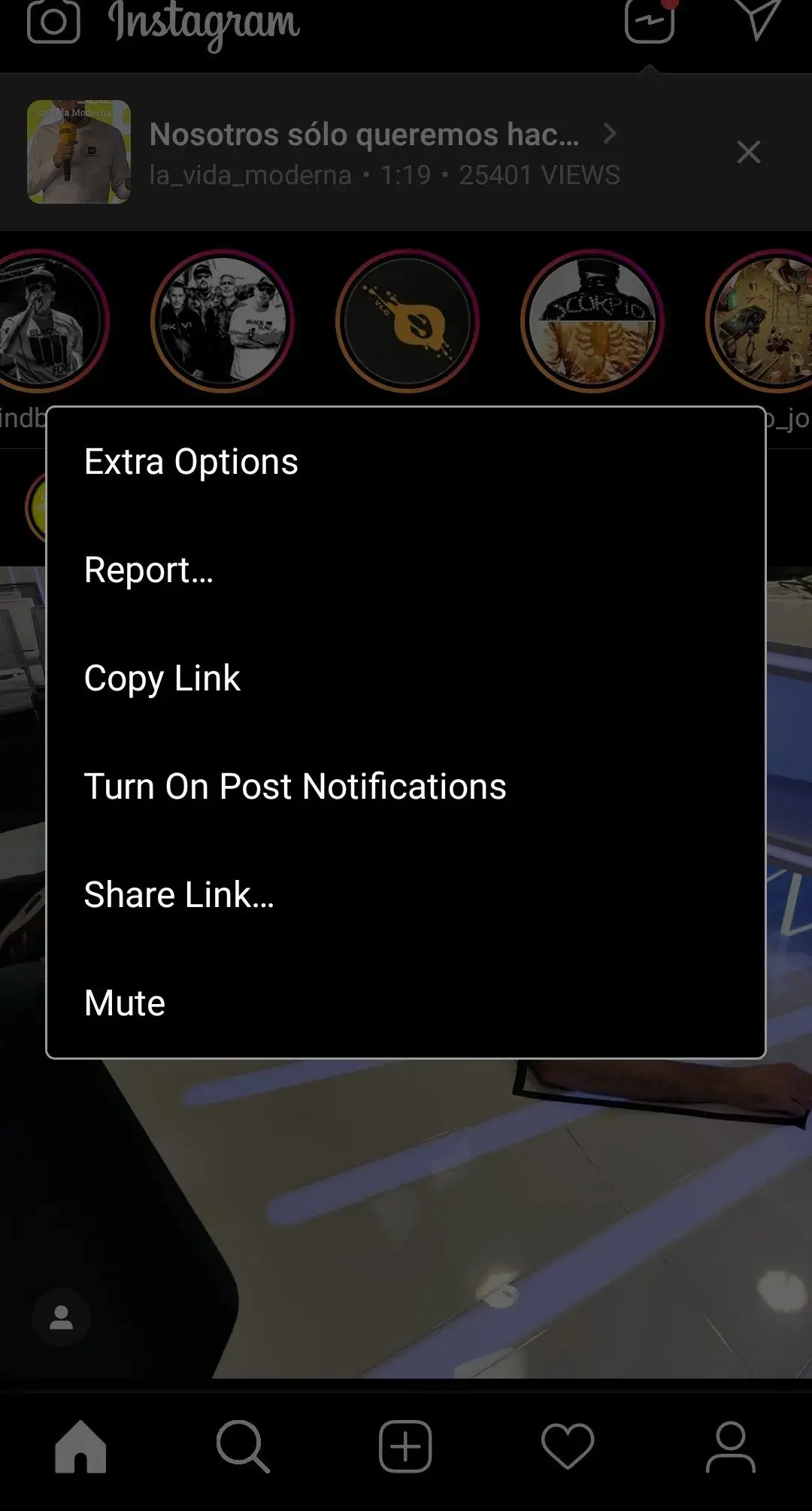
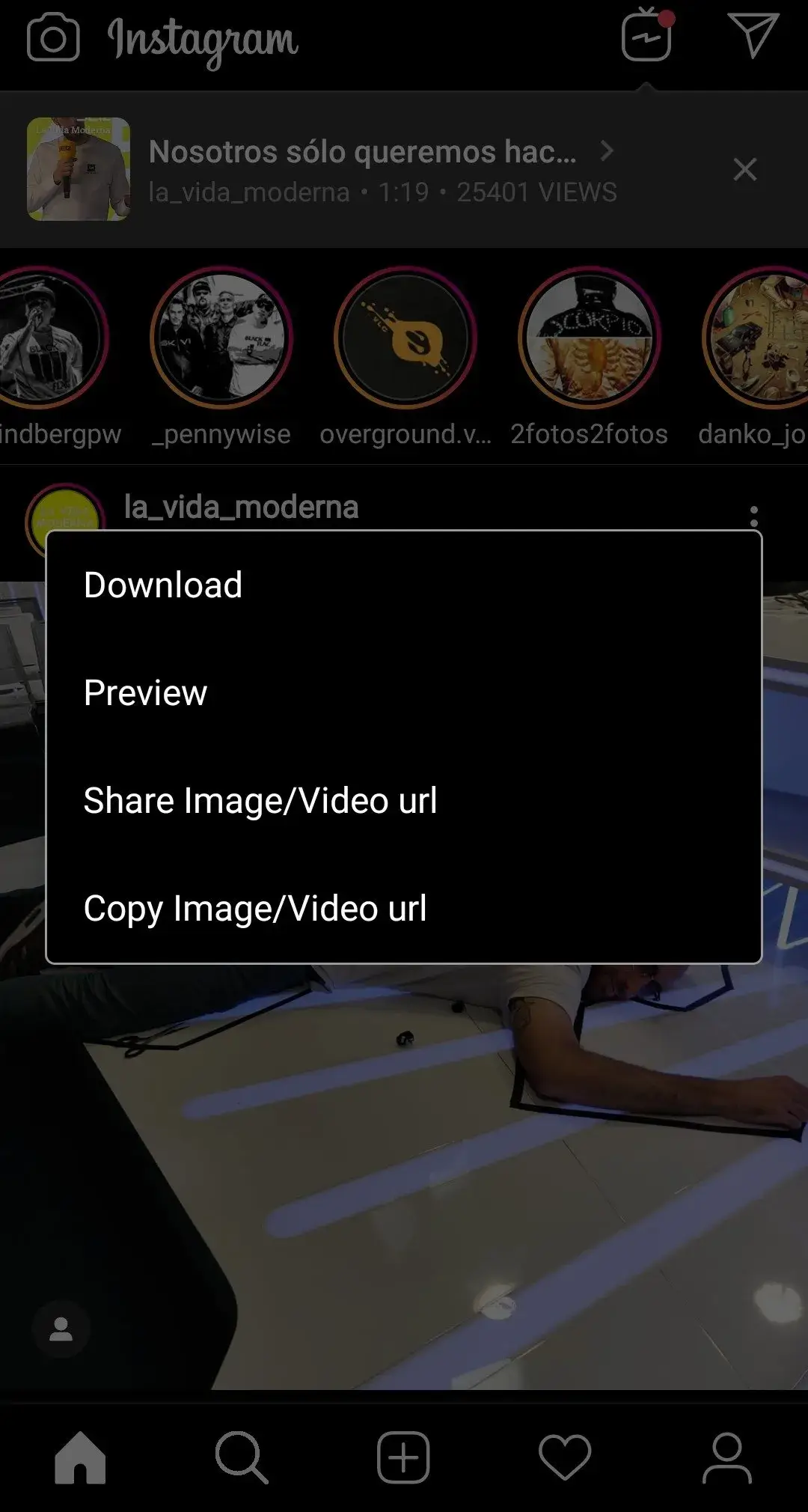


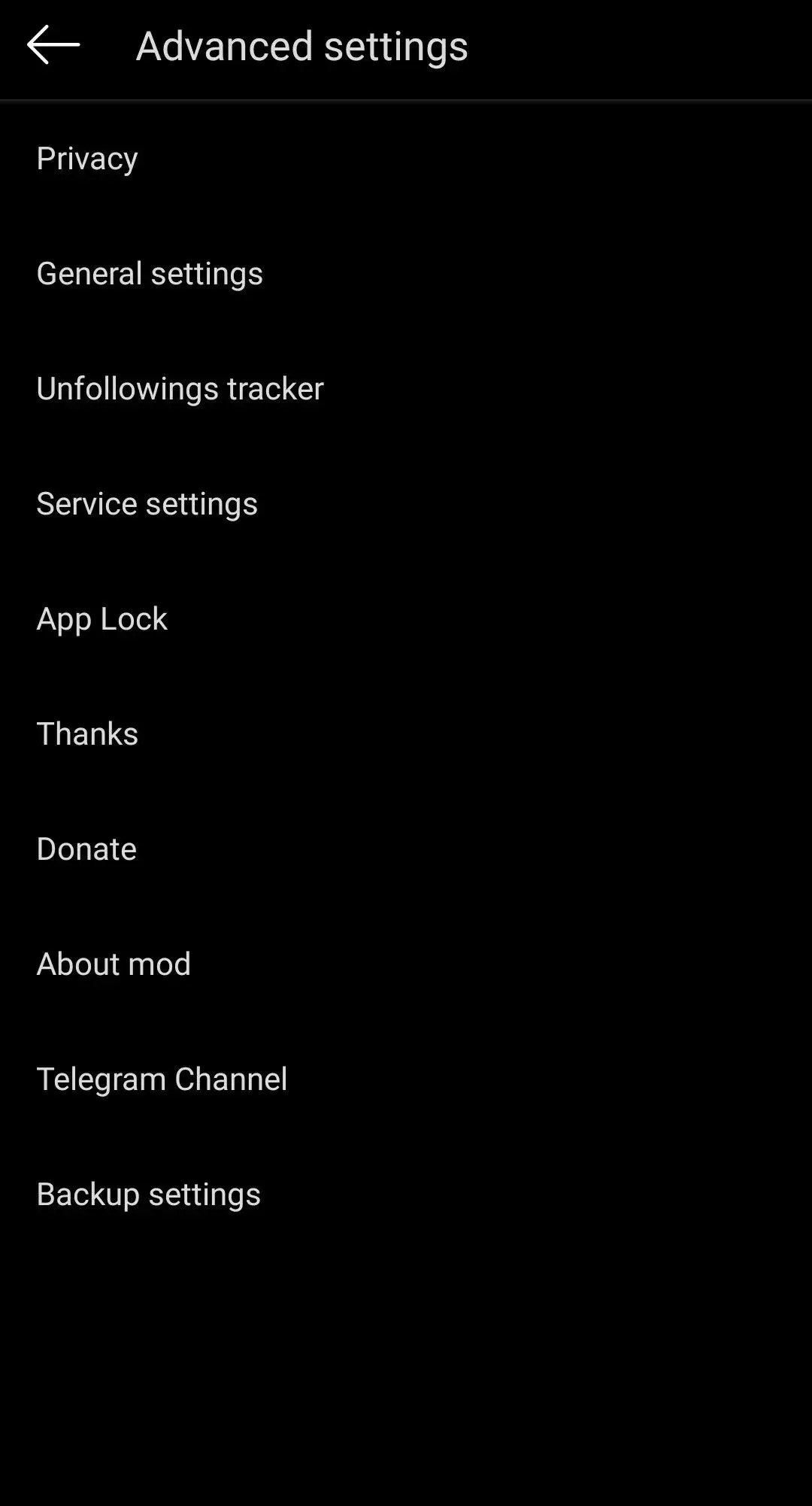

InstaXtreme is a third‑party Android client that works with Instagram accounts. It adds features such as quick photo and video downloads and the ability to watch stories without leaving a view trace. If you want more control over your Instagram experience without using the official app, this page gives you everything you need to know.
Below you’ll find the essential details, a quick guide on how to install the APK, troubleshooting tips, and a comparison with other popular social apps. All information is based on the latest release (v22) as of March 9 2025.
Quick Information
| App/Game Name | InstaXtreme |
| Latest Version | 22 |
| Developer | Not listed |
| Category | Apps / Social |
| App Size | 92 MB |
| Package Name | Not listed |
| Last Updated | 9 March 2025 |
What Is InstaXtreme?
InstaXtreme is an unofficial Instagram client designed for Android devices. It aims to give users extra privacy and customization options that the official app does not provide. Core functions include:
- Downloading photos and videos directly to your device.
- Viewing stories anonymously, so the original poster does not see you as a viewer.
- Additional privacy settings that let you limit data sharing.
The app is intended for anyone who already has an Instagram account but wants more flexibility. Because it is not an official Instagram product, some features may be limited or change after Instagram updates.
Compatibility
| Android Version | ✓ Verified — 5.0 and up |
| Architecture (ARM64 / 32-bit) | ✓ Verified — Supports common device architectures |
| Internet Connection | ✓ Verified — May be required for ads, updates, or login |
| Storage Needed | Not Verified |
| OBB/Data Files | Not Verified |
| Root Required | Not Verified |
How to Install
- Open your device’s Settings → Security (or Privacy) and enable Install unknown apps for the browser or file manager you’ll use.
- Download the InstaXtreme APK file from a trusted source.
- Locate the downloaded file in your Downloads folder and tap it to start the installation.
- Follow the on‑screen prompts and grant any requested permissions (e.g., storage access for saving media).
- Once installed, open InstaXtreme, log in with your Instagram credentials, and explore the added features.
Troubleshooting
- App not installed: Ensure unknown sources are enabled and that the APK is not corrupted. Re‑download if needed.
- Crashes on startup: Clear app cache via Settings → Apps → InstaXtreme → Storage, then restart the app.
- Features not working (e.g., story view): Instagram may have changed its API. Check for a newer version of InstaXtreme.
- Login or authentication problems: Verify your Instagram credentials and make sure two‑factor authentication is handled correctly.
Safety & Security
InstaXtreme is a modified client, meaning it is not distributed through the official Google Play Store. Before installing, consider the following:
- Download only from reputable sources to avoid malicious code.
- Review the permissions the app requests; it will need access to storage for media downloads.
- Never enter sensitive personal data (e.g., payment details) unless you are certain the app is trustworthy.
- Updates to Instagram can break third‑party clients, so future versions of InstaXtreme may be required.
How InstaXtreme Compares
| Feature | InstaXtreme | Instagram (official) | Snapchat |
|---|---|---|---|
| Price / Free model | Not verified | Free (ad‑supported, optional purchases) | Free (ad‑supported, optional purchases) |
| Platform availability | Android | Android, iOS, Web | Android, iOS |
| Standout feature | Anonymous story viewing & media download | Official Instagram experience | Ephemeral photo/video messaging |
| Best for | Users wanting extra privacy and download capabilities | General Instagram users | Fans of quick, disappearing content |
Alternatives
If InstaXtreme doesn’t meet your needs, consider these well‑known options:
- Instagram (official) – The original app with full feature support and regular updates.
- Instagram Lite – A lighter version of Instagram that uses less data and storage.
- Snapchat – Focuses on short‑lived media and offers its own set of privacy controls.
- Twitter – A different social platform that also supports photo/video sharing.
Final Verdict
InstaXtreme provides useful extra features for Instagram power users, especially those who want to download content or view stories without being tracked. Because it is an unofficial client, it may stop working after Instagram updates and carries the usual risks of third‑party APKs. Verify the source, check permissions, and be prepared to switch back to the official app if compatibility issues arise.
Frequently Asked Questions
The app is unofficial, so download it from a reputable source and review its permissions before installing.
The latest released version is 22, updated on 9 March 2025.
The required Android version is not specified; it should run on most recent Android releases.
No root or additional OBB files are required; a standard APK installation is sufficient.
Make sure unknown sources are enabled, the APK isn’t corrupted, and your device has enough storage space.
Yes, you can install it alongside Instagram, but they are separate apps and do not share data.
Older versions are not listed here; you would need to search trusted archives if you specifically need them.
Using a third‑party client may violate Instagram’s terms of service, potentially leading to account restrictions.